Special Collection Web Migration: Validate and Design
UX Researcher
Role
Stakeholder
University of Arizona Libraries—Special Collections
Timeline
1 month
Bob Liu—UX Strategist
Aly Higgins— Content Strategist
Team
Overview
As a part of the Web Refresh project, we are redesigning and updating the Special Collections website to be a sub-site under the refreshed University of Arizona Main Library site.
As for this study, I lead the research efforts as we wanted to test and validate the Special Collections sub-site homepage on the refreshed Main Library website. By testing how users navigate through the homepage with a focus on how users use the newly designed collections navigation.
Web Migration Project
Problem
Non-profit sites are a hub for resources and information, from donations to volunteering opportunities. But users are having a hard time navigating the site and accessing those points of support. It reduces the chances of the users who want to help by donating, volunteering, etc. because they can’t navigate the site, leaving both the Non-profit and the user audience frustrated and leaving a reputational and business disadvantage to the organization.
Solution
By reflecting on HMWs (How Might We), we came up with the solution of creating a better user flow through the site, and by emphasizing the important resources and content that the Stakeholders want to share. Working with both the Client and Users specific needs by taking a business approach.
We created first-click test in Optimal Workshop. Optimal Workshop is an online remote usability testing platform. A first-click test is a remote test that tries to understand the user’s initial interaction with a webpage when presented with a specific task. We then sent the first-click test out to the UX participant pool.
We included 6 tasks to ask the users to find the following content from the landing page based on previous pain points of the site:
Collections content on the website
Collections content in Aviary
Exhibits
Services
Hours and location
How to use Special Collections (“SpecColl 101”) page.
We used a screenshot of the Special Collections sub-site homepage as a reference for the first-click test.
Preliminary Study Set-up
Do not disturb: Research in action!
Our Research Breakdown
Task 1: You’ve never been to Special Collections before. Click where you’d find information to get started.
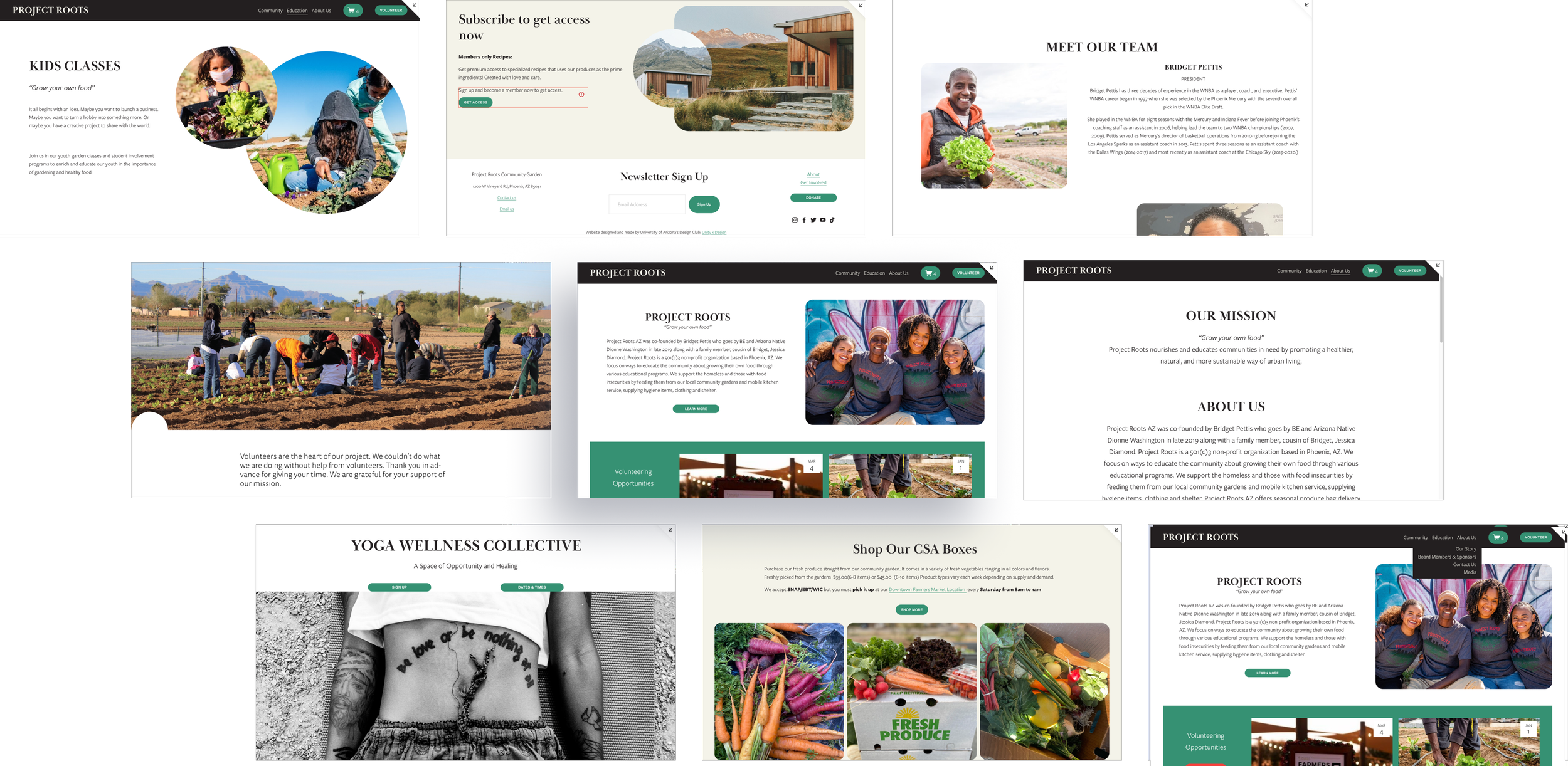
Based on our stakeholder interview Project Roots has expressed their concerns with little traffic for the volunteering page and CSA boxes page. These two resources are two of the main way they receive revenue and help for their organization.
difficult navigation and user flow
There were limited access points from the homepage. the only point of navigation on the home page was the menu but it was cluttered and confusing. Content and resources were difficult to find and scattered throughout the site.
Poor accessibility measures
Low levels of contrast between the fonts and colors of the website. It was also not mobile accessible and relied mostly on desktop to properly function. The links and buttons were not properly emphasized. It was not screen-reader accessible for those with visual impairments.