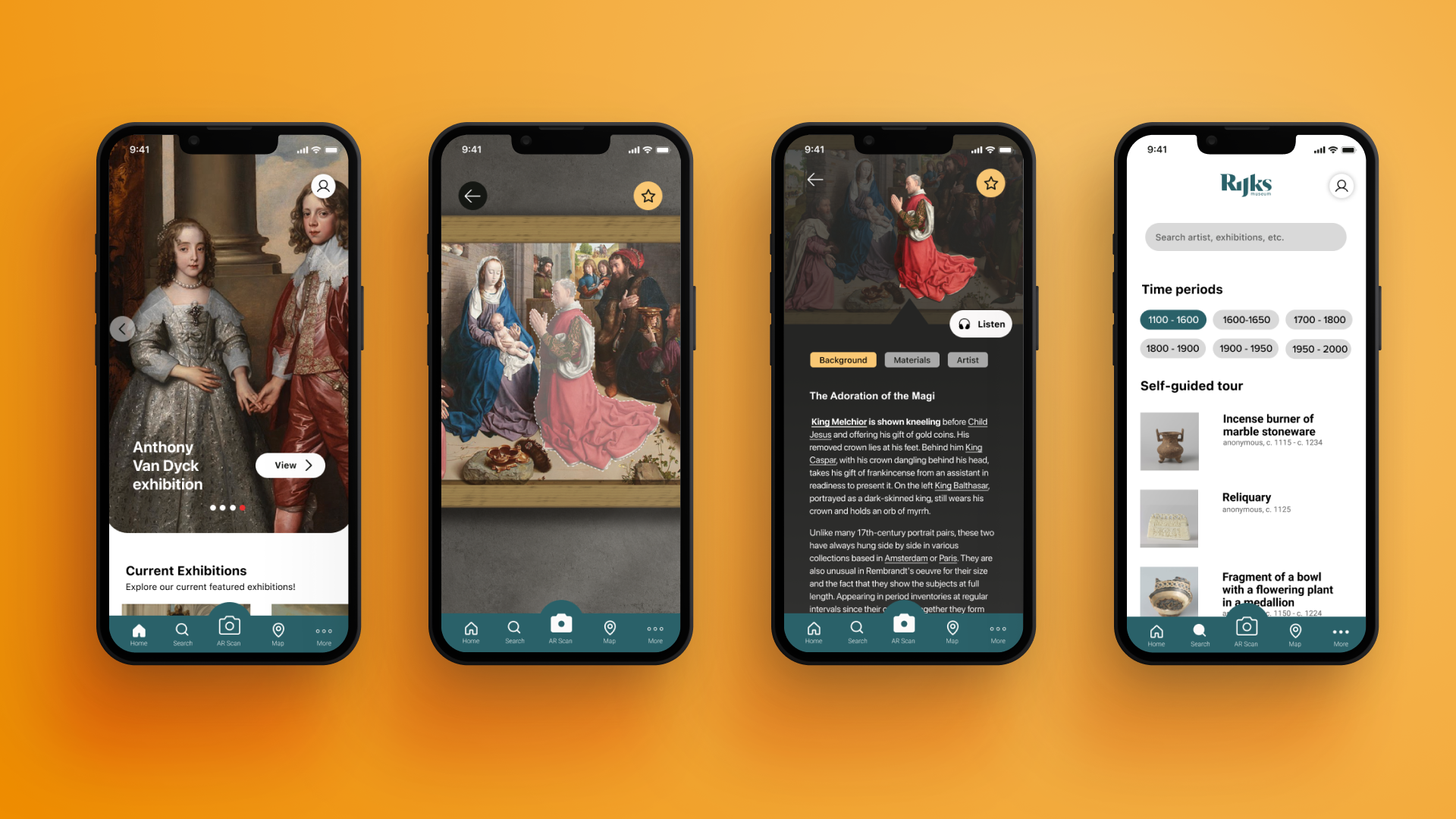
Rijksmuseum: AR mobile app for visual storytellling
UX Designer, Branding, Visual Designer
Role
Timeline
On-going
Tools
Figma, Adobe Illustrator
Capstone project
Why
Overview
Project summary
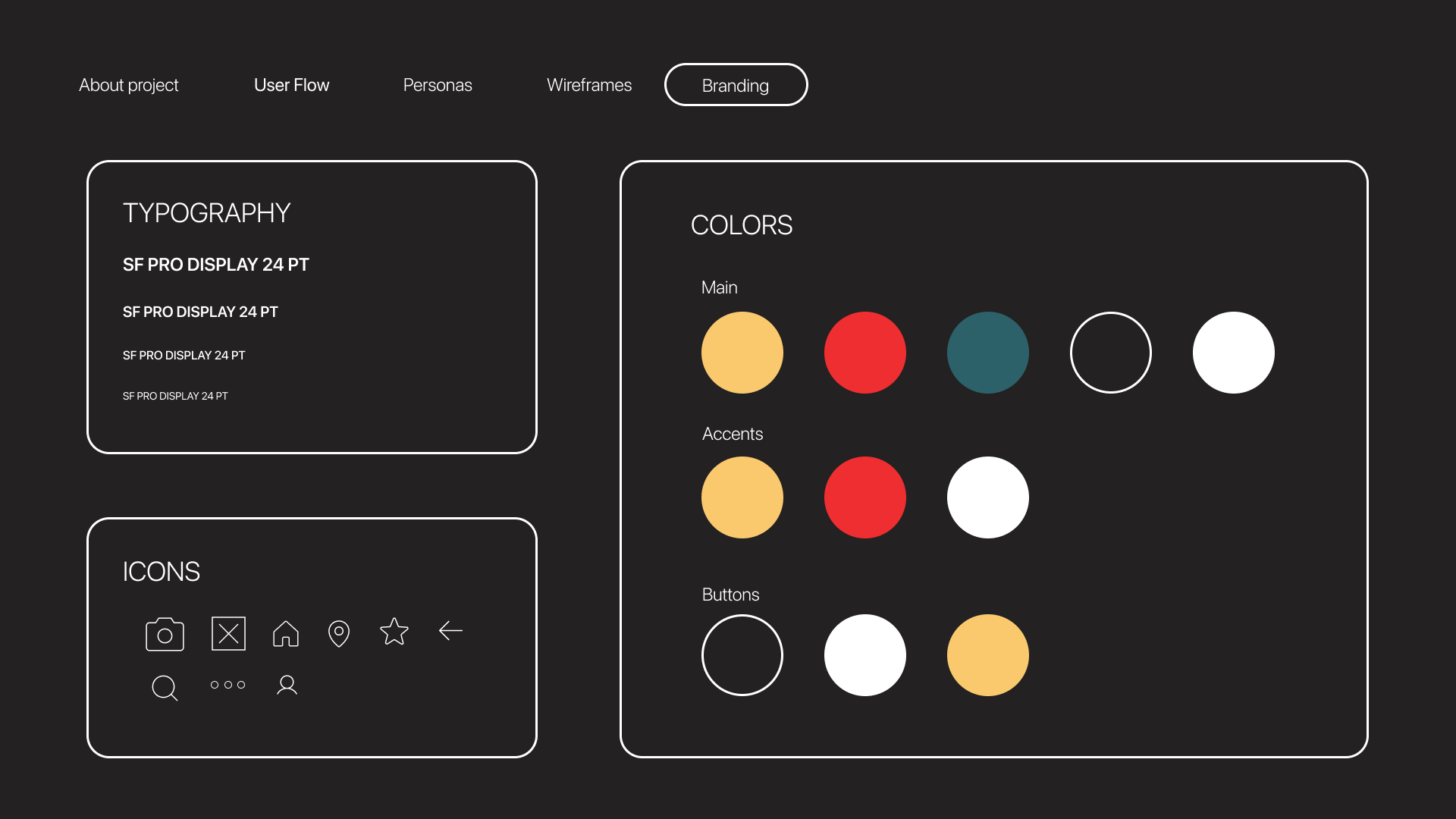
This is a extension of a school project, I am tasked with creating a visual branding and app for a museum rebranding. The goal is to specifically hone in on a problem after doing research on the museum and determine what can be improved upon. I have decided to create an app that mainly focuses on accessibility and storytelling within the museum.
Problem
The inherent complexities of museum environments, along with the mobility or sensory limitations among the elderly, create an unsatisfactory and underwhelming museum viewing and storytelling experience.
How may we address these issues of physical accessibility and implement it into a compact mobile app.
Solution
I decided the best approach is to create a new tool within itself. By creating an accessibility tool that can be easily access throughout out the whole app, it will help address issues of readability and physical access. The tool will be used interchangeably with the AR feature to provide a better storytelling experience for all audiences.
Challenge
How can we design a AR mobile app that is compatible on most mobile phones. As well as address all pain points of accessibility and deliver a comprehensive storytelling and touring experience throughout the museum with only the app?
Design Phase
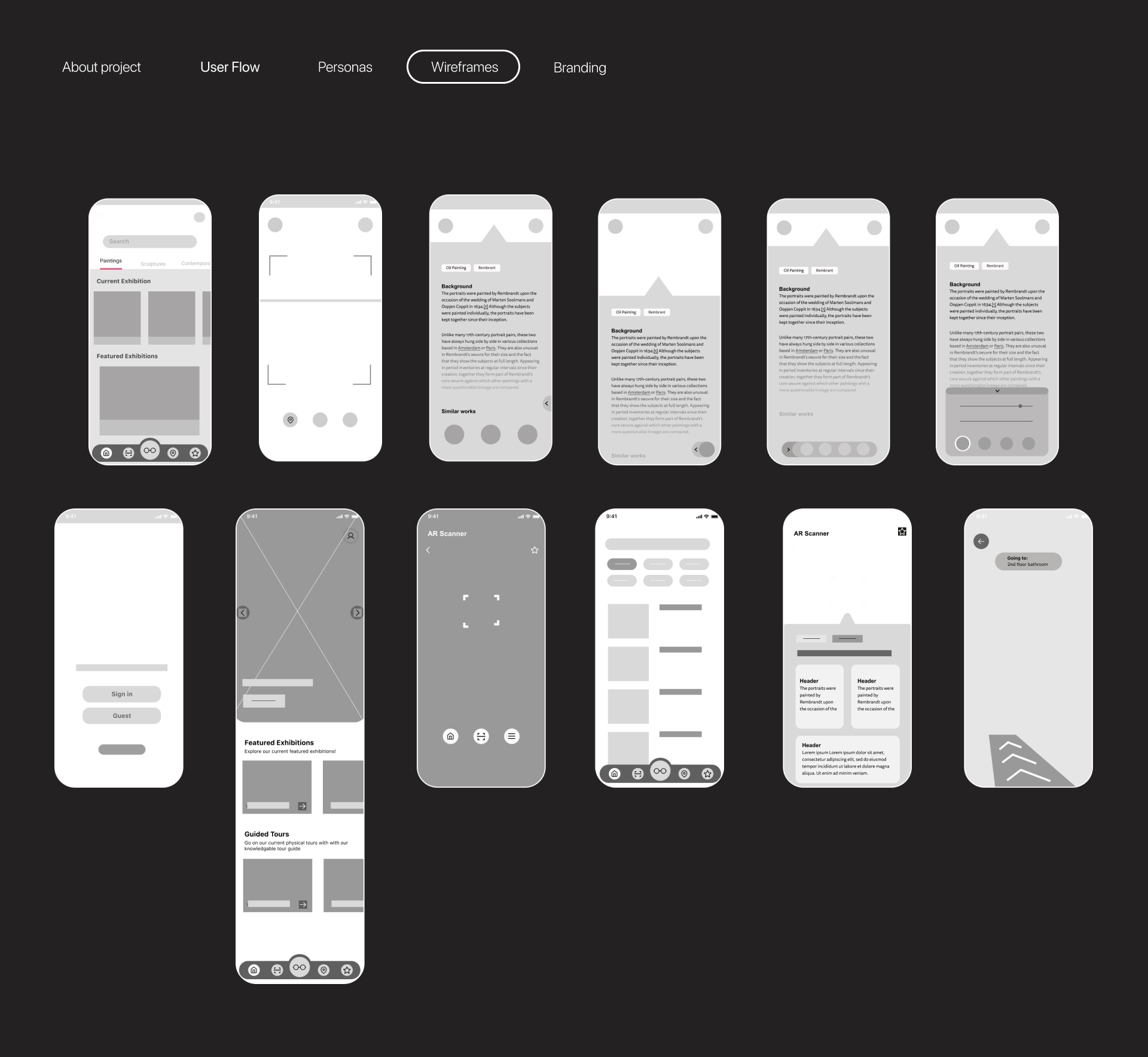
Sketches and Low fidelity wireframes
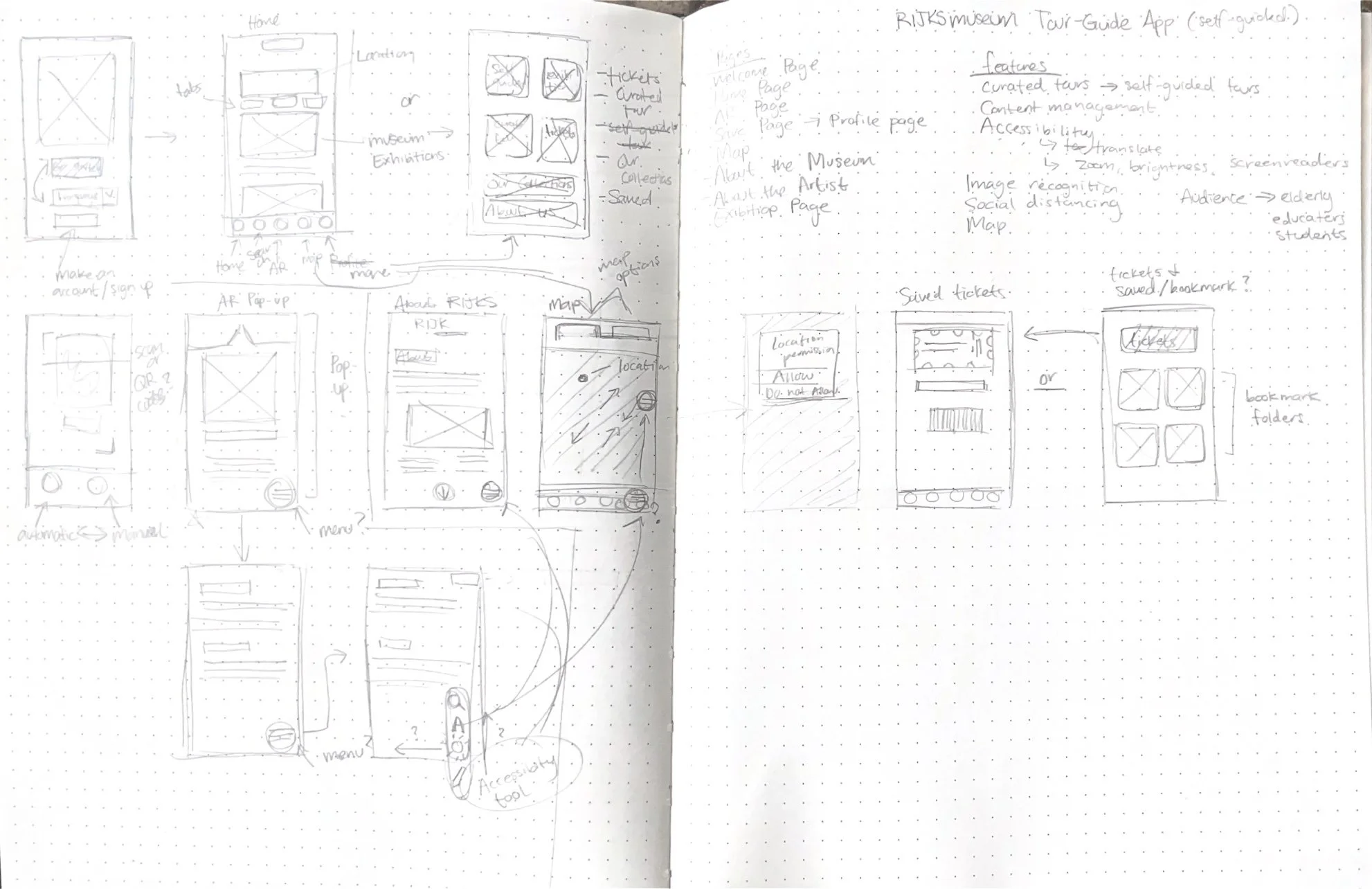
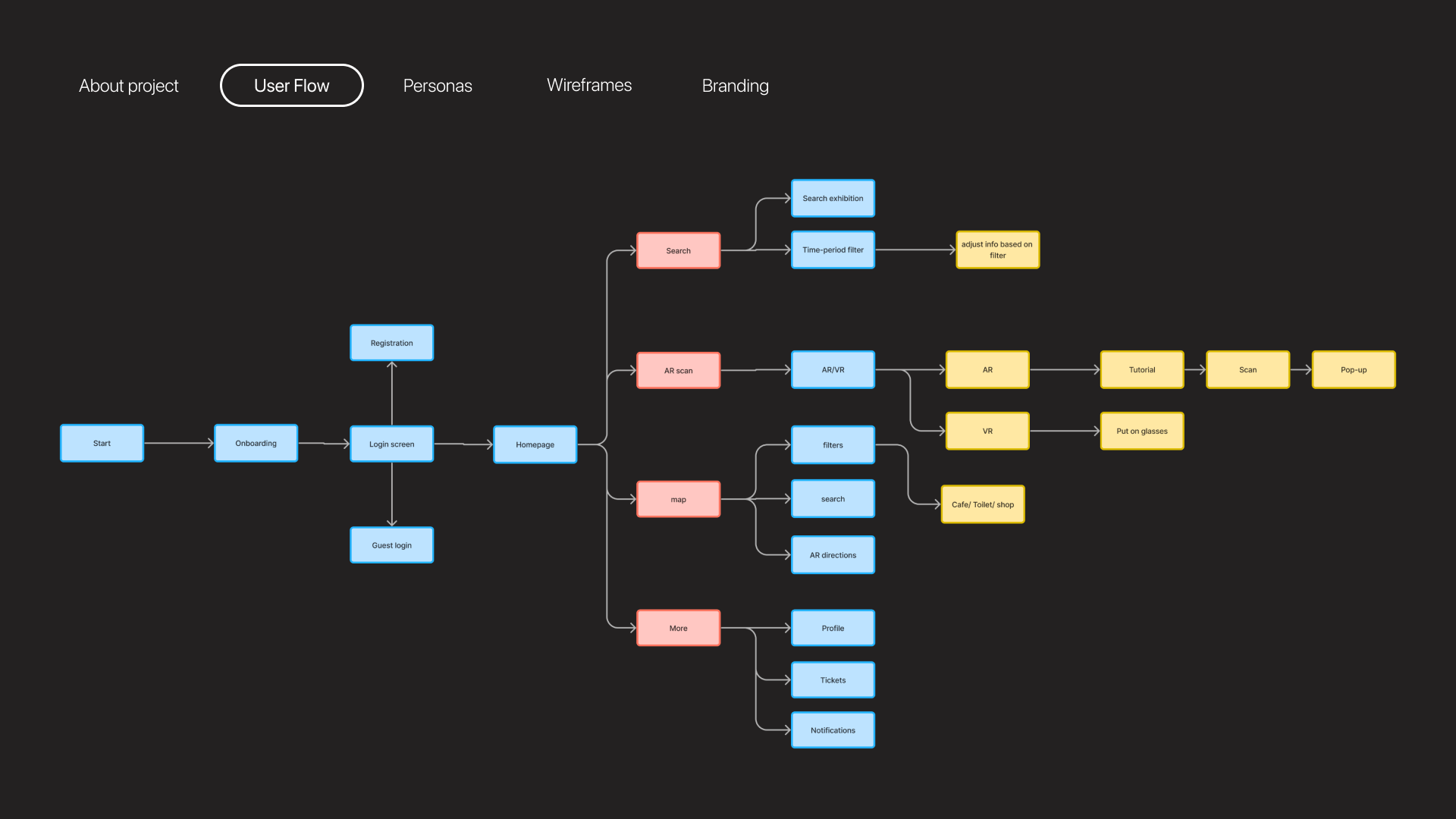
I first began with a stream of consciousness approach where I immediately begin sketching and drafting right away. By roughly sketching down my ideas and by experimenting with rough low fidelity wire-framing to determine the overall information architecture and user flows. By visualizing through wireframing it helps me pin point specific areas that can be cut out or should be included.
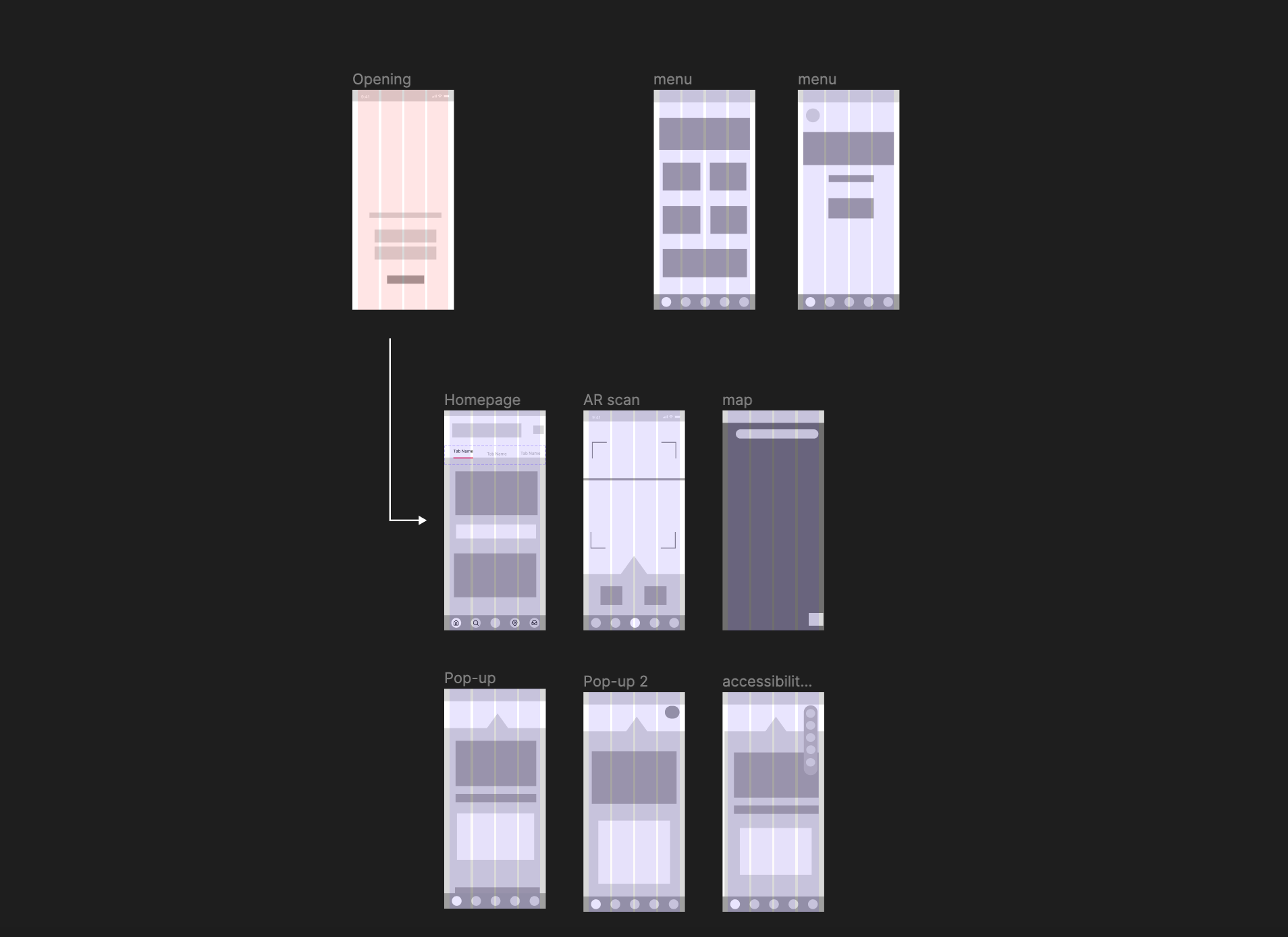
The low fidelity wireframe is a way to also gain feedback and determine goals.